

Your next buyer could be asking right now. Will you see it in time? Photo: Pexels
A buyer posts “Which tool should I get for this?” at 10:14 in the morning. By lunchtime the thread has a dozen replies and they’ve made up their mind. If you only check your laptop in the evening, you were never in the running. The BuyerEngine AI Action Pack is built around that one problem: getting the alert, knowing what to say and acting from your phone while the buyer is still listening.
Disclosure: This review contains affiliate links. If you buy through them, I may earn a commission at no extra cost to you. Confirm the current Action Pack inclusions on the official page before you buy.
What Is the BuyerEngine AI Action Pack?
BuyerEngine AI, created by Jono Armstrong, finds online conversations where people ask for recommendations, look for alternatives or describe a problem your product solves. It then scores the best opportunities. (New here? Start with my full BuyerEngine AI review.)
The Action Pack is an add-on to BuyerEngine AI. Its sales page sums it up in one line: “Get the alert, know what to say and take action from your phone.” It adds three things:
The vendor’s promise is that you can reach buyers “while their interest is fresh and at an all-time high.” That’s the whole point of this upgrade: timing.
Why Speed Decides Who Gets the Sale
Buyer-intent conversations have a short shelf life. Here’s how a typical recommendation thread plays out:
This is a general pattern, not a measured statistic, but anyone who has spent time on Reddit or in forums will recognise it. Early, helpful replies tend to get the most attention, and often the most upvotes, which pushes them further up the thread.
BuyerEngine core already finds these conversations. The Action Pack makes sure you hear about them while they’re still in that first window, wherever you are.
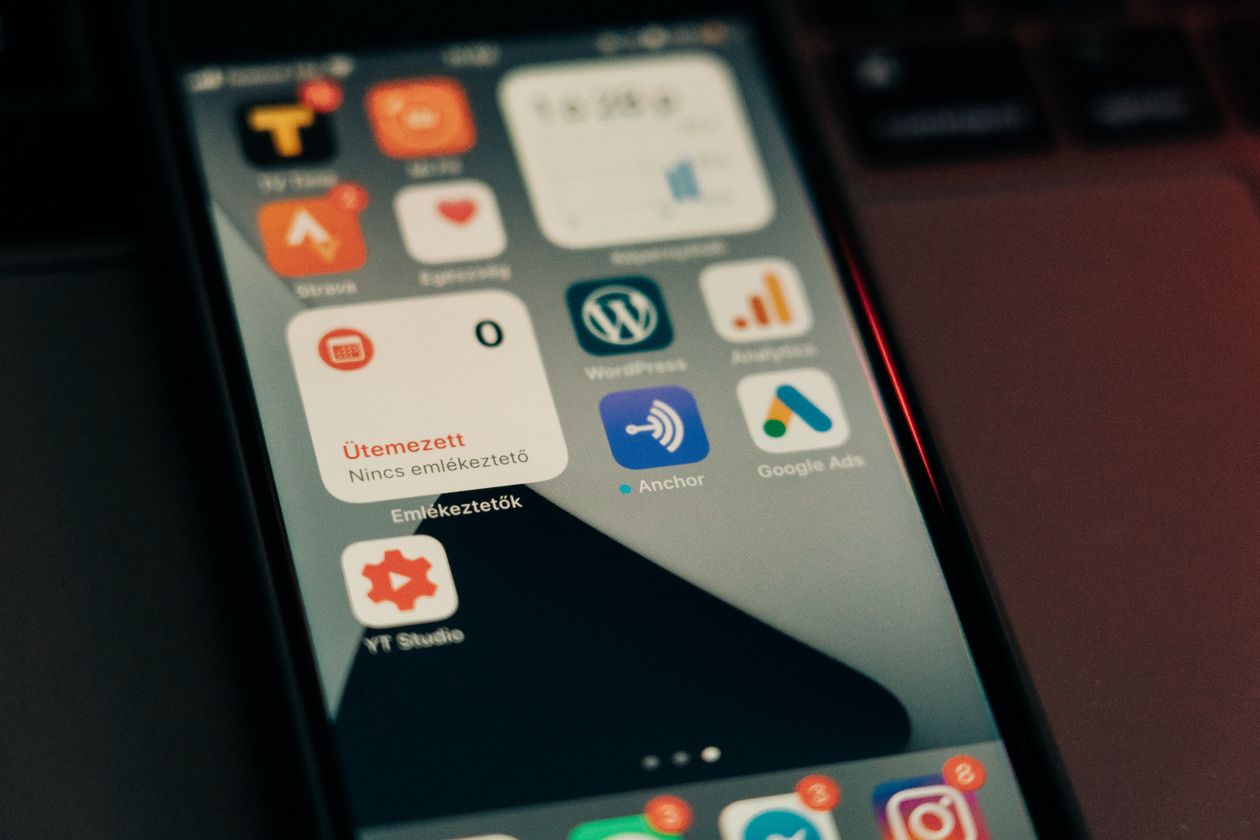
An alert on your phone turns a missed thread into a live opportunity. Photo: Pexels
A Day With the Action Pack
Here’s what the workflow could look like for an affiliate who runs everything from a phone. This is an illustration, not a promise of results.
On the morning commute, a Telegram alert arrives: someone is asking for a simple email tool for their new coaching business. You open the thread, read the question and save it for a proper reply.
Coffee break. You write a short, genuinely useful answer from your phone: what to look for in an email tool at their stage, plus a mention of the one you use, with a disclosure.
Another alert. Someone wants an alternative to a tool they’re unhappy with. You reply with the two things that made you switch.
You check back on both threads, answer follow-up questions, and thank the person who upvoted your answer.
None of it needs a laptop, and none of it needs you to spend hours searching. The alerts bring the conversations to you.
Set up a dedicated Telegram notification sound for BuyerEngine alerts so you can tell them apart from chat noise. Then pick two or three set times a day to act on them, rather than reacting to every single ping.
3 Reply Frameworks You Can Use From Your Phone
The Action Pack headline promises you’ll “know what to say.” Whatever tools you use, these three simple frameworks keep your replies helpful and quick to type on a small screen.
“Depends on [their key need]. If that’s your priority, look for [criteria 1] and [criteria 2]. I’ve been using [product] for that and it’s handled [specific thing] well. Happy to share more if it helps. (Full disclosure: I’m an affiliate.)”
“I switched away from [tool] for the same reason. What made the difference for me was [one concrete benefit]. Worth checking whether [alternative] covers [their specific complaint] before you move.”
“Had the exact same issue. What fixed it was [the approach, explained in one or two lines]. You can do it manually, or use a tool like [product] to speed it up.”
Always follow the community’s rules on links and self-promotion, and personalise every reply. Copy-pasting the same message into lots of threads is the fastest way to get banned.

Short, helpful replies typed on your phone can beat long ones posted too late. Photo: Pexels
Who Needs the Action Pack (and Who Doesn’t)
Get it if you…
- Run your business mainly from your phone
- Have a day job and can only act in short breaks
- Keep finding good threads too late
- Want a guided path to your first campaigns instead of working it out alone
- Already use Telegram and like getting updates there
Skip it if you…
- Work at a desk all day and check BuyerEngine regularly anyway
- Don’t use Telegram and don’t want another app
- Are still deciding whether buyer-intent marketing suits you at all
Action Pack vs Infinity Bundle
These two upgrades solve different problems, so it’s worth being clear on the difference. There’s more detail in my Infinity Bundle review.
| Action Pack | Infinity Bundle | |
|---|---|---|
| Main benefit | Speed and mobility | Capacity, rights and the full stack |
| Includes | Mobile app, Telegram alerts, guided first campaigns | Core, Unlimited, MAX, Agency, Done For You, Reseller |
| Best for | Solo marketers on the move | Agencies, power users, resellers |
| Solves | “I find threads too late” | “I need more scale, clients or rights” |
They aren’t either-or. Power users who also work on mobile often want both. For a full picture of every upgrade, see BuyerEngine AI OTOs Explained.
Pros, Cons and Verdict
Pros
- Alerts help you reply while buyers are still deciding
- Run buyer hunting fully from your phone
- Telegram is fast, free and widely used
- A guided path removes beginner guesswork
- Fits short breaks around a busy day
Cons
- Needs BuyerEngine AI. It’s an add-on, not a standalone tool
- Less useful if you’re at a desk all day
- Too many alerts can be distracting without a routine
- Doesn’t include the bundle’s agency or reseller rights
Verdict: the upgrade for people who live on their phones
If you run your business from your phone, have limited time or keep finding great threads a day too late, the Action Pack fixes a real problem. It turns BuyerEngine from something you check into something that taps you on the shoulder when a buyer appears.
If you’re at a desk all day and check the dashboard often, you can skip it. But for mobile-first marketers, catching conversations early may be the difference between being the reply that gets read and the one that gets missed.
Frequently Asked Questions
The Action Pack adds BuyerEngine AI Mobile with Telegram alerts, plus a guided path to your first campaigns, so you can reach buyers while their interest is fresh.
Yes. The Action Pack is an add-on to BuyerEngine AI, so it works alongside the core product rather than on its own.
Buyer conversations go stale quickly. Alerts on your phone let you see strong opportunities early, while the person asking is still reading replies.
The Infinity Bundle lists Core, Unlimited, MAX, Agency, Done For You and Reseller. The Action Pack is offered separately. Check the official pages for current inclusions.
It can be, especially if you work from your phone. The guided path to your first campaigns helps you get started without guessing.
The Action Pack is designed so you can get the alert, decide what to say and take action from your phone. Always follow each community’s rules when you reply.
Catch Buyers While They’re Still Asking
Each button opens the official page in a new tab, with full details and the current offer.
BuyerEngine AI Action Pack
BuyerEngine AI Mobile, Telegram alerts and a guided path to your first campaigns.
Get the Action PackBuyerEngine AI Core
The buyer-hunting software the Action Pack is built on.
Get BuyerEngine AIInfinity Bundle
Use coupon BUYER at checkout during the launchCore, Unlimited, MAX, Agency, Done For You and Reseller.
Get the Infinity BundleEarnings disclaimer: Any income figures shown on the vendor’s pages are examples, not guarantees. The daily workflow in this review is illustrative. Your results depend on your offer, effort, market and skill. This review contains affiliate links, and I may earn a commission if you buy through them.
Post a Comment